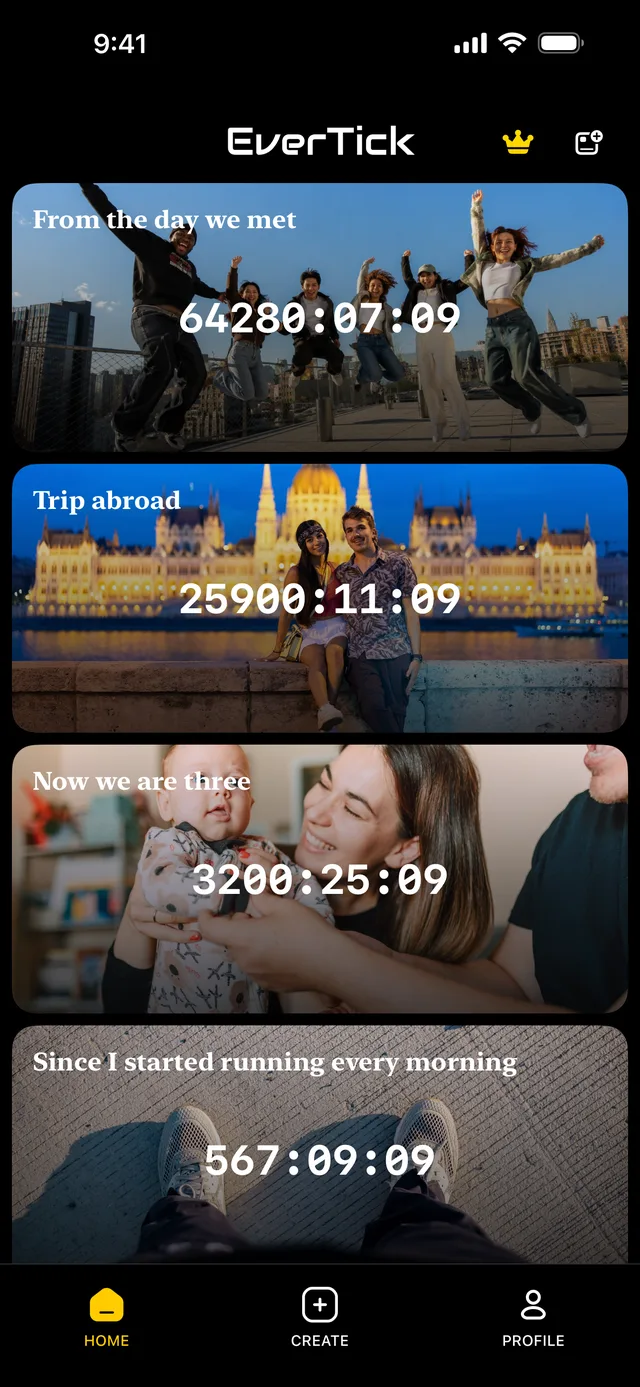
Still ticking,down to the second.
Couples · Trips · Family · You
Photos and voices in a shared album




Since I started running every morning
1123:16:19
Trip abroad
26438:41:35
Now we are three
3783:56:51
From the day we met
64811:36:4001
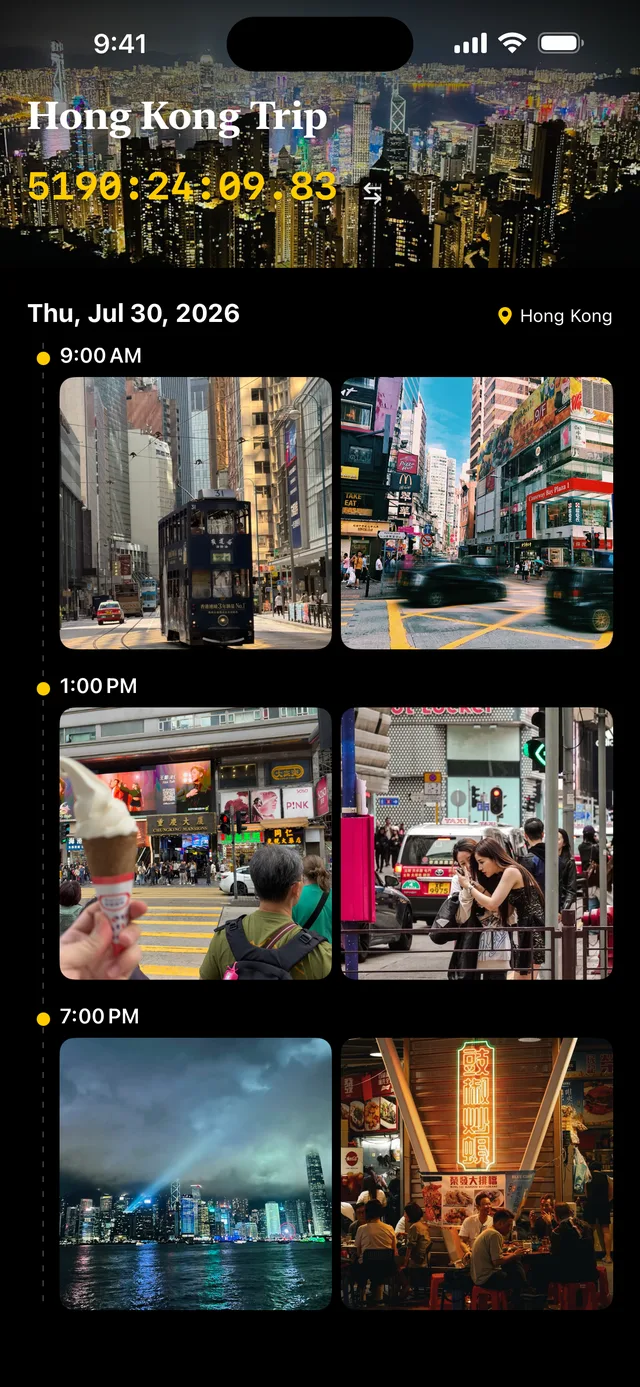
Just upload photos.Sorted by time.
Photos line up by the time they were taken — automatically.
02
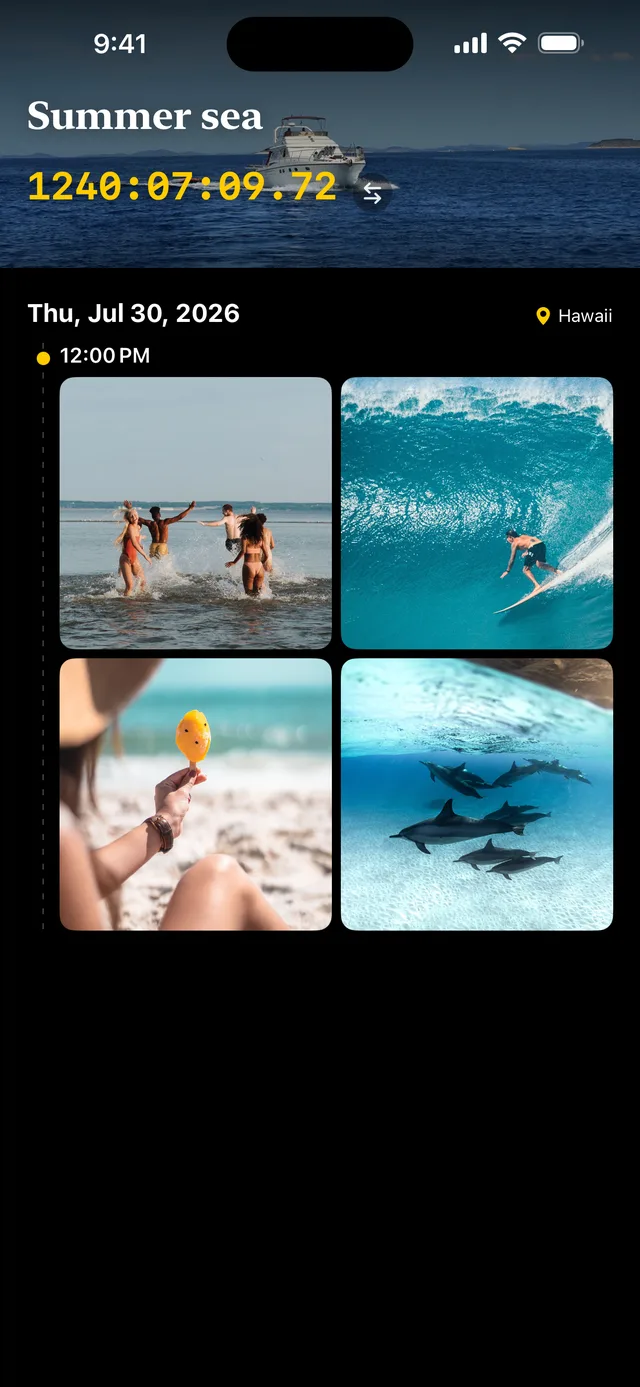
Comments too,kept by the hour.
Text and voice notes are kept by the hour they belong to.



03
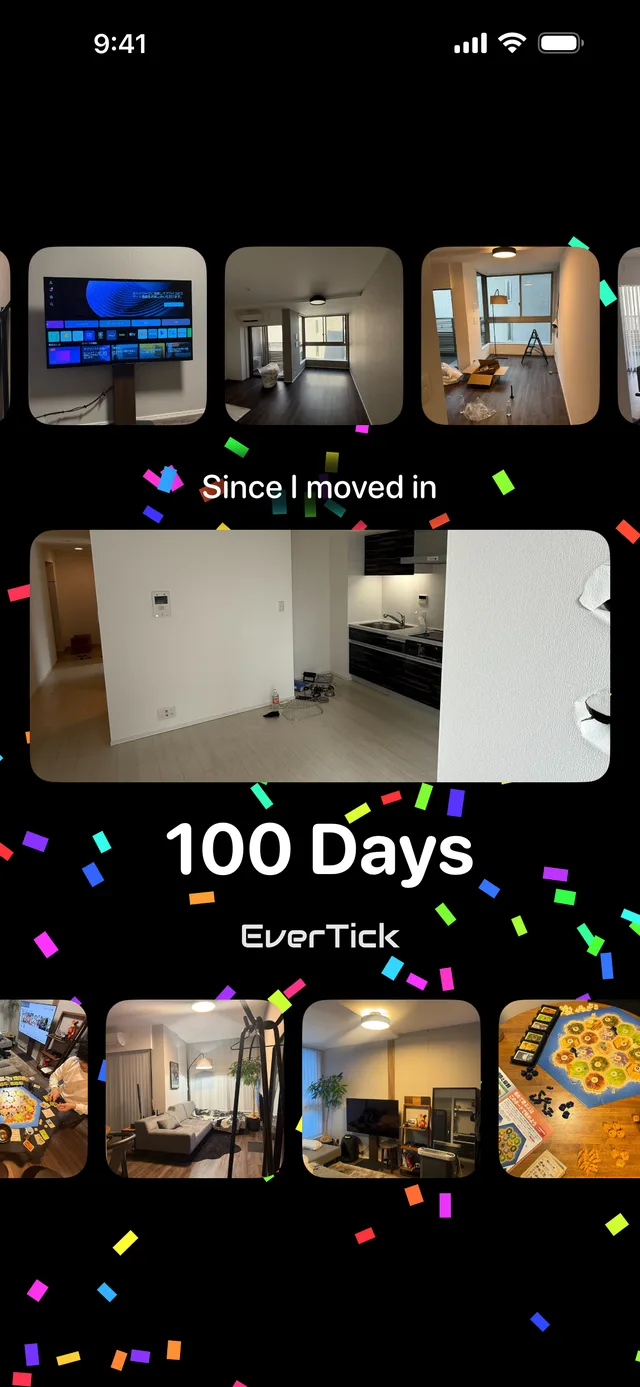
Any number can be an anniversary.
100 days or 1,000 hours — pick the numbers worth celebrating, and the day arrives with a notification and confetti.




04
It runs where you already look.
The seconds keep moving on your home screen — even with the app closed.
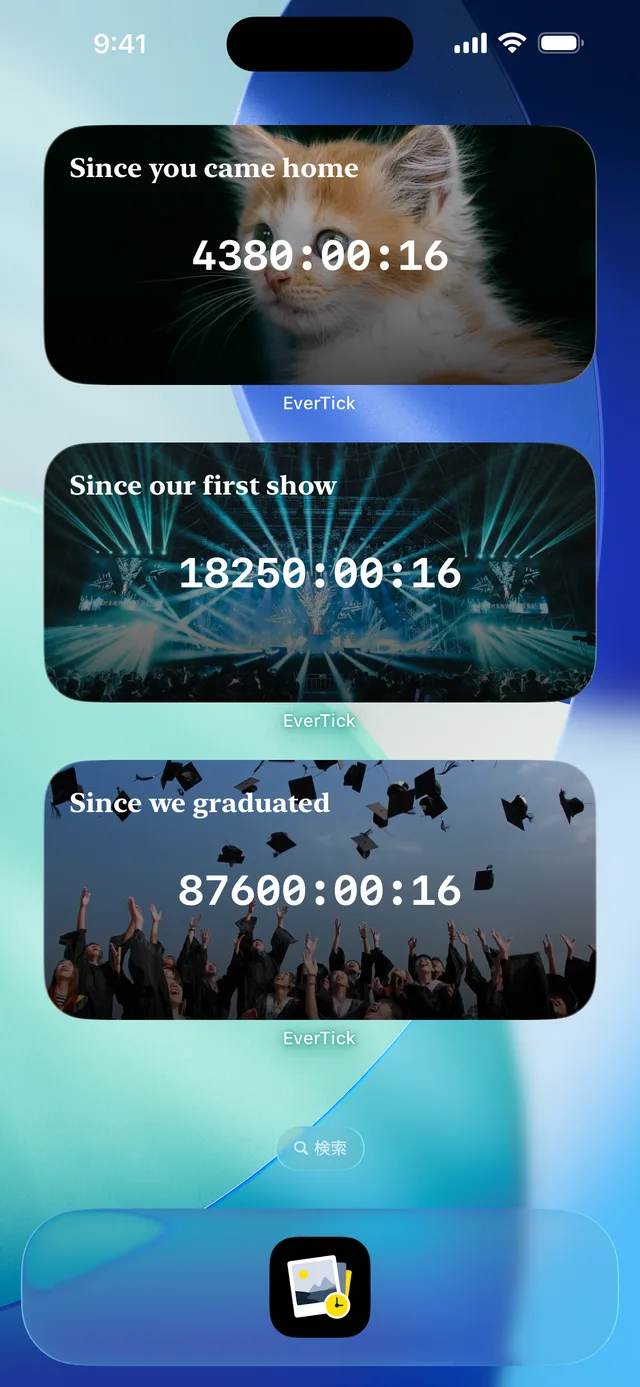
EverTick Rewind
Start from a date in the past.
Mid-trip or with old photos — rewind to the day the memory actually began, and let the clock run from there.
From the day we met
64811:36:40How it works
Create an album
Just a name and the day it began
Add photos
Everyone you invite can add too
Watch it tick
In the app and on your home screen
FAQ
Frequently Asked Questions
Yes, basic features are free. You can create up to 5 albums with up to 20 photos each. Upgrading to the Premium plan gives you unlimited albums and photos.
Yes. Simply sign in again with your Google or Apple account, and all your data including albums, photos, and friends will be restored.
Yes. Photos are encrypted and stored in the cloud. Only album members can access them, and no third party can view them.
There is no limit on the number of members. You can freely invite anyone, whether as a couple or a group of friends.
When all members leave an album, it is automatically deleted. All data including photos and comments is permanently removed, and this action cannot be undone.
Add the EverTick widget to your iPhone home screen or lock screen, or to your Android home screen, and the elapsed time is always in view — no need to open the app.
Start from the day it began.
Free download